AI Can Now Work Directly Inside Your After Effects Project
The beta feature can create layers, keyframes, effects, captions and camera moves, bringing AI into the part of the workflow where motion designers actually build their work.
AI can now operate directly inside an After Effects project. That is the idea behind Arsaze’s new AI panel for After Effects. Instead of generating an asset in a separate AI tool and then bringing it into After Effects, Arsaze lets users give instructions to an AI agent that can perform actions within an open project.
The beta can create layers, keyframes, effects, captions and camera moves, bringing AI into the part of the workflow where motion designers actually build their work. The more interesting question isn’t whether AI can make an animation for you. It’s whether it can take some of the repetitive work involved in building that animation off your hands.
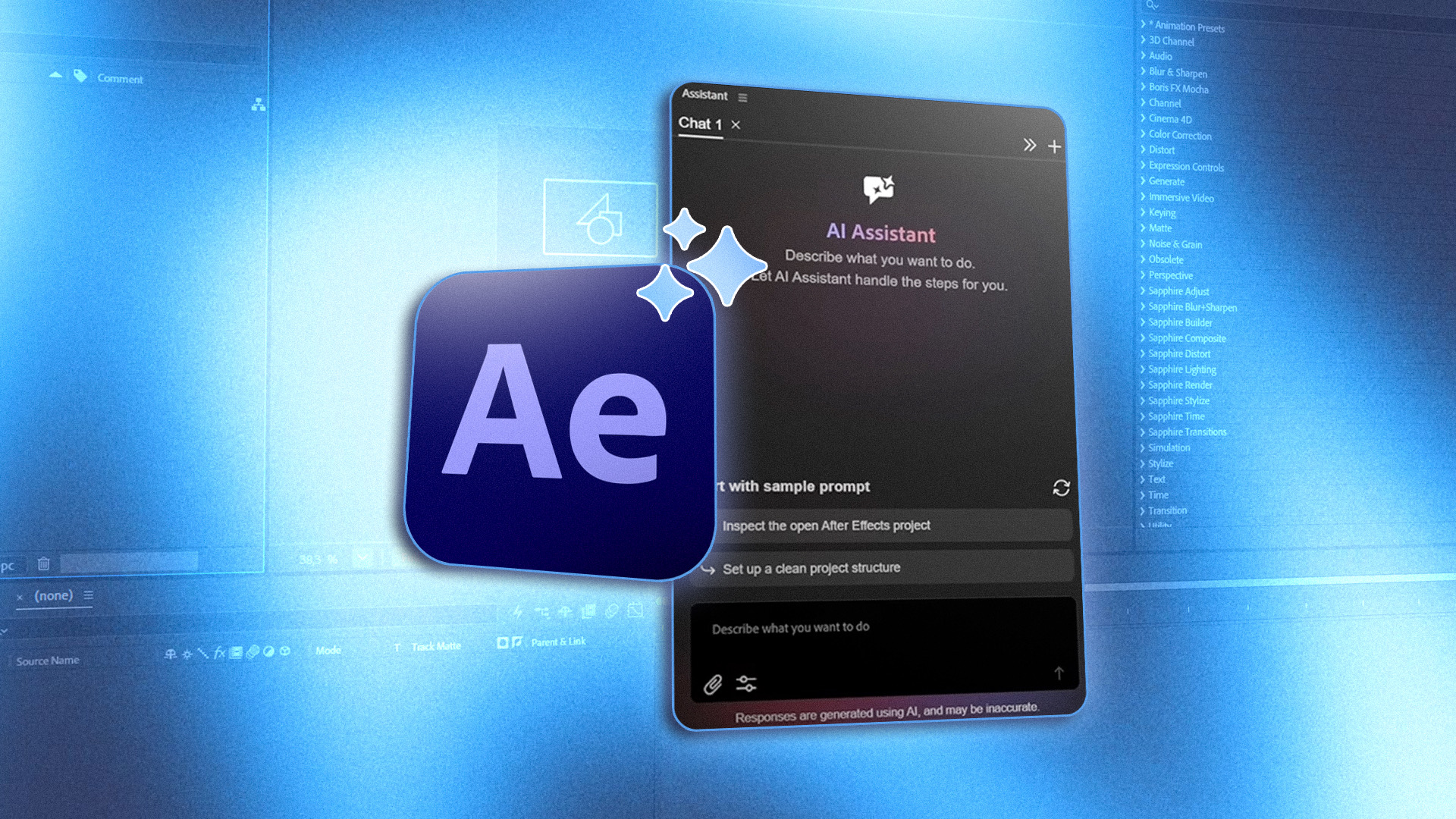
Arsaze Brings AI Into the After Effects Workflow
AI-generated content is only one part of the creative process. You can generate an image, video or other asset with an AI tool, but someone still has to bring it into After Effects, organise the project, create layers, add effects and keyframes, and make everything work together.
Arsaze takes a different approach. Its After Effects AI plugin allows users to give instructions to an AI agent that works inside an open project. It can create layers, keyframes, effects, captions and camera moves for tasks ranging from animation and kinetic typography to motion graphics and tracked motion. That changes where AI fits into the workflow.
Instead of treating After Effects as the place where an AI-generated asset eventually ends up, the project itself becomes part of the environment the AI can work in. For motion designers, that could be useful for repetitive or technical tasks that would otherwise require several manual steps.
Arsaze and Adobe Are Taking AI Further Into the App
Arsaze isn’t alone in putting AI closer to the actual After Effects workflow. The difference is in how the two approaches get there. Arsaze is an external AI tool designed to operate inside After Effects, while Adobe is building AI assistance directly into the application.
Adobe’s After Effects AI Assistant uses natural-language instructions to help users work with projects, expressions and other tasks without leaving After Effects. That makes the comparison more interesting than simply saying both companies are adding AI.
They’re both moving toward a workflow where designers can describe what they want to accomplish and have software carry out some of the steps. It isn’t just about generating another image or video. It’s about AI performing actions inside the applications where creative work is actually built. For motion designers, that could eventually mean less time spent managing repetitive project mechanics and more time spent deciding what the animation should actually do.
Keeping the Designer in Control
Giving an AI the ability to modify a project also raises an obvious question: what happens when it does something you don’t want? That’s where control matters. An AI can complete a task correctly and still produce something that doesn’t fit the project, so designers need to be able to review the result, make changes and step in when necessary.
Arsaze is still early, too. The beta currently supports Windows 10 and 11 and requires After Effects 2021 or newer. Some elements also don’t transfer seamlessly between Arsaze and After Effects, including certain generated scenes, effects, masks, transitions and speed ramps. That means this isn’t a replacement for the After Effects workflow. It’s an early example of AI being given the ability to participate in it, while the designer remains in control.
As AI becomes another part of the motion-design toolkit, the right plugins and tools can make an even bigger difference. Discover more After Effects, Illustrator and Premiere Pro plugins, scripts and creative tools on Plugin Play.