Adobe Turning After Effects Into an AI-Assisted Motion Design Workspace?
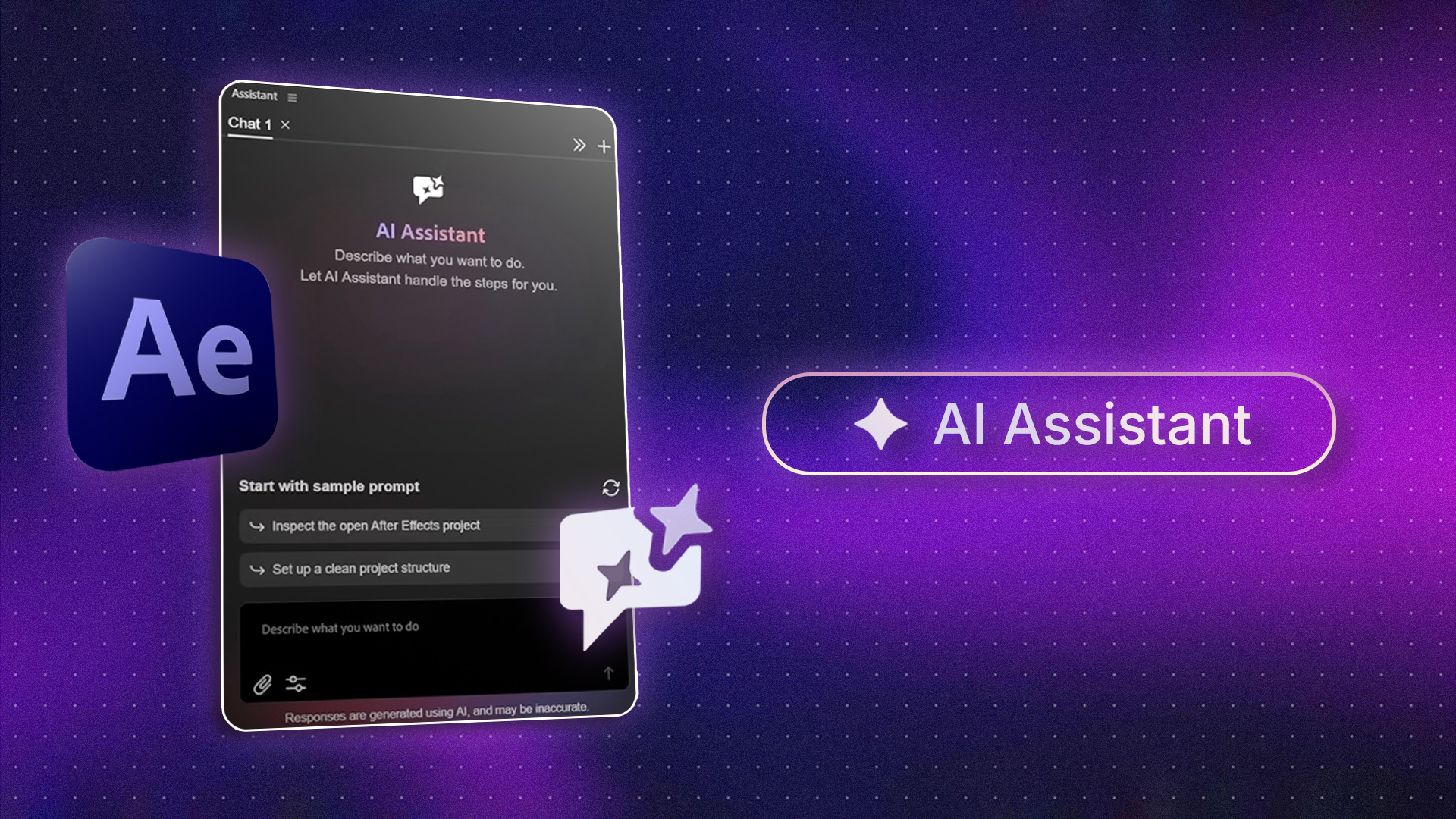
The After Effects AI Assistant is now available for testing in After Effects (Beta). It lets users interact with their projects using natural language, describe tasks, ask follow-up questions, and refine requests instead of relying entirely on traditional in-app workflows.
For years, getting something done in After Effects has meant knowing how to get there. You learn the panels, tools, expressions, shortcuts, and workflows that turn an idea into an animation. But Adobe is beginning to introduce another way of working: describing what you want and letting AI help with the steps.
The After Effects AI Assistant is now available for testing in After Effects (Beta). It lets users interact with their projects using natural language, describe tasks, ask follow-up questions, and refine requests instead of relying entirely on traditional in-app workflows.
So, is Adobe turning After Effects into an AI-assisted motion design workspace?
How Adobe’s After Effects AI Assistant Is Changing Motion Design Workflows
The most interesting part of Adobe’s AI Assistant is where it lives: Inside After Effects itself. Rather than sending users to a separate AI tool, Adobe has built the Assistant into the application as a panel. Users can describe what they want it to do, and the Assistant can translate those instructions into actions within a project and composition.
According to Adobe’s After Effects AI Assistant overview, the current beta can help organize projects, work with expressions, and generate images and videos. That changes the interaction model. Instead of remembering exactly where a feature is or working through every step manually, a designer can describe the task they want to accomplish and let the Assistant help execute it.
It doesn’t mean After Effects workflows are suddenly automated. Designers still need to direct the project, make creative decisions, and review the results. But the way they interact with the software could become more conversational and potentially less dependent on navigating the interface for every task.
Can AI Make Adobe After Effects Easier for Motion Designers?
AI isn’t going to replace the skills that make someone a good motion designer. Timing, composition, typography, storytelling, visual direction, and creative judgment still come from the person making the work. Where AI could make a real difference is in some of After Effects’ more technical tasks.
Expressions are a good example. A designer might know exactly how they want an animation to behave without knowing the syntax required to build it. Adobe’s guide to using the After Effects AI Assistant shows how users can ask the Assistant to write an expression from a plain-language description, explain an existing expression, or help identify why one is producing an error. That creates a useful bridge between knowing what you want and knowing how to build it.
It could also be helpful when working with projects that have become difficult to manage. The Assistant can review project structures and help rename, reorganize, or color-code items, potentially taking some of the tedious cleanup work off a designer’s plate. The value here isn’t necessarily AI making the creative decisions. It’s AI helping remove some of the technical friction between an idea and its execution.
Why Adobe’s AI Assistant Could Change the Future of After Effects
The After Effects AI Assistant isn’t happening in isolation. Adobe is moving toward a broader model of AI-assisted creative workflows across Creative Cloud, where AI helps creators move from an idea to execution with less friction. The company outlined this direction in its announcement about bringing Creative Agent to Creative Cloud applications.
What makes the After Effects Assistant interesting is that AI is being built directly into the application rather than treated as a separate tool. It can help with tasks such as organising projects, working with expressions, and generating images and videos. It’s still too early to know how much this will change After Effects. Keyframes, layers, expressions, and timelines aren’t going anywhere. What could change is how often designers need to manually navigate them.
The future of motion design may not be about AI creating everything for you. It could be about having a smarter way to interact with the tools you already use. And as creative software continues to evolve, the right plugins and tools can make just as much difference to how efficiently you work.
Explore Plugin Play to discover plugins, scripts, and tools designed to help you get more out of After Effects and Premiere Pro.