Higgsfield Launches AI Plugins for Premiere Pro and After Effects
Higgsfield has launched a new plugin suite for Premiere Pro and After Effects, bringing AI video generation directly into Adobe workflows.
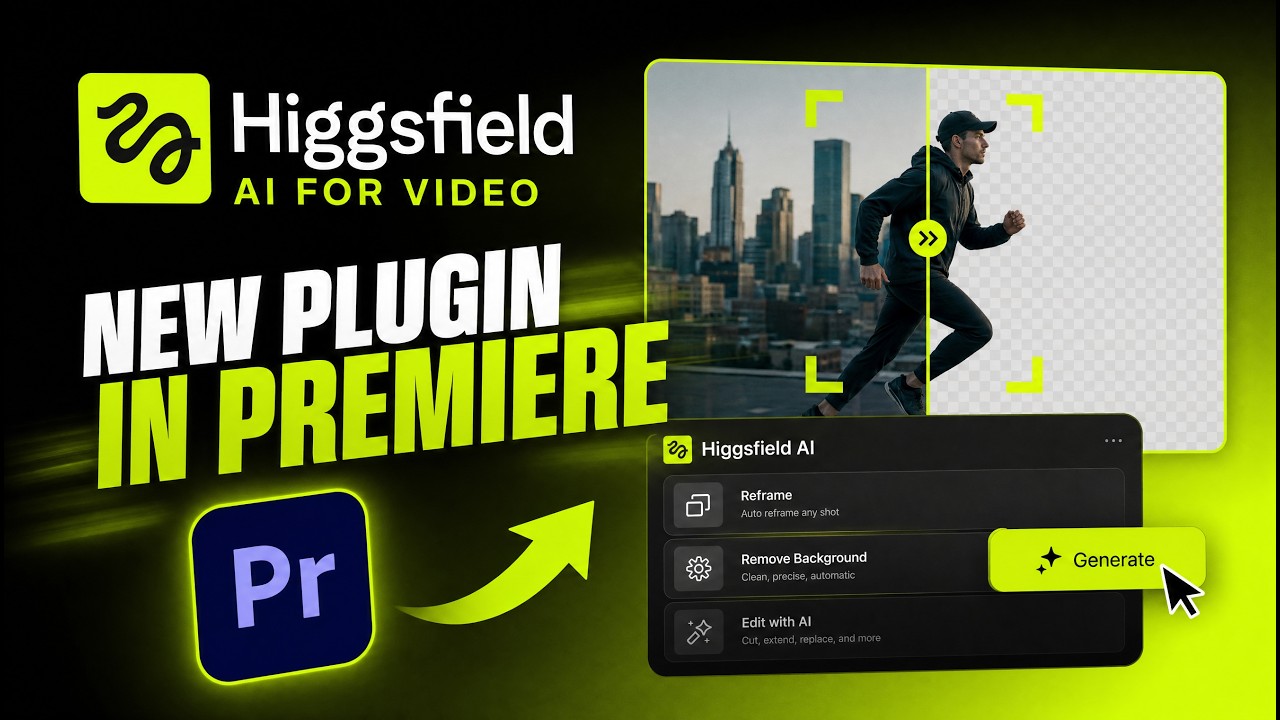
Higgsfield has launched a new plugin suite for Premiere Pro and After Effects, bringing AI video generation, image generation, background removal, upscaling, reframing, and Draw-to-Edit capabilities directly into Adobe workflows.
According to No Film School’s coverage of the launch, the new plugins are designed to help creators perform common production tasks without leaving their editing environment. While AI-powered editing tools are nothing new, what’s notable here is how many of those capabilities are now being packaged directly inside software that editors and motion designers already use every day.
What the Plugin Actually Lets You Do Inside Adobe
The headline feature may be AI video generation, but Higgsfield’s plugin suite goes beyond that. The release includes tools for background removal, image generation, upscaling, reframing, and a feature called Draw-to-Edit, which allows creators to sketch changes directly onto footage. Together, these tools are aimed at reducing the number of separate applications and workflows involved in everyday editing tasks.
For editors producing content across multiple platforms, features like Reframe could help speed up the process of adapting videos for different aspect ratios. Background removal can eliminate the need for additional compositing steps, while upscaling offers a faster way to prepare older footage for higher-resolution delivery.
Rather than focusing on a single breakthrough feature, Higgsfield is positioning the plugin suite as a collection of practical tools designed to simplify production.
Why Higgsfield Is Betting on In-App AI
Creative professionals already have access to countless AI tools. The challenge isn’t finding them, it’s fitting them into an existing workflow. That’s what makes this launch interesting. Instead of asking creators to generate assets on a separate platform and then bring them back into Premiere Pro or After Effects, Higgsfield is bringing those capabilities closer to where the edit is already happening.
This shift reflects a wider direction in creative software, where AI tools are increasingly being built directly into editing environments rather than existing as standalone applications, as explored in StudioEins’ breakdown of AI integration inside Adobe workflows. Imagine working on a short-form campaign and needing to remove a background, generate a replacement visual, create social media versions, and upscale older footage. Traditionally, that might require multiple tools, exports, and file transfers. Higgsfield is betting that creators would rather handle those tasks from within the same environment.
Adobe’s Ecosystem Is Becoming Harder to Ignore
One reason announcements like this continue to gain attention is because creative teams aren’t necessarily looking for more software. They’re looking for fewer obstacles.The most successful creative tools often aren’t the ones that add the most features. They’re the ones that remove the most friction.
That’s why we’re seeing more companies focus on workflow efficiency. Adobe’s Creativity Connector for Gemini announcement reflects a similar effort to connect AI assistance with existing creative workflows rather than treating AI as a separate experience.The goal is simple: spend less time switching between tools and more time creating.
Higgsfield’s announcement also highlights a broader reality: Adobe’s ecosystem remains one of the most important places for creative software companies to be. Premiere Pro and After Effects sit at the center of countless video production and motion design workflows. For companies building AI-powered tools, integrating directly into those applications provides immediate access to creators already working on active projects.
That’s why we’re seeing more developers invest in plugins, integrations, and workflow extensions rather than building entirely separate creative environments. Whether Higgsfield’s tools become a staple for professional editors remains to be seen. But the strategy is clear. Instead of asking creators to leave their workflow, the company is bringing AI directly into it. If tools like Higgsfield gain traction, editors may spend less time jumping between platforms and more time staying focused on the edit itself.
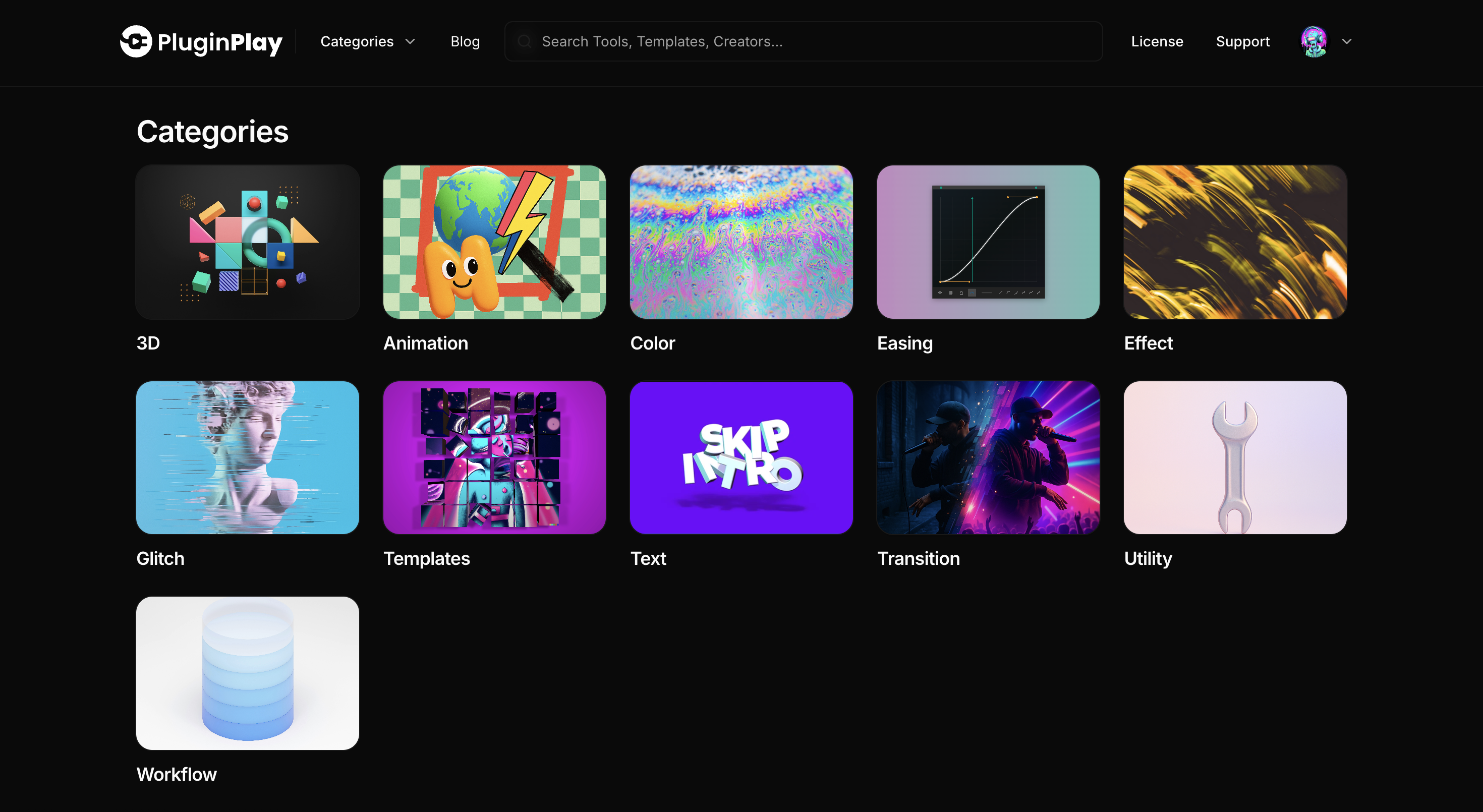
For editors working inside Premiere Pro and After Effects, speed often comes down to how easily you can access the right tools without breaking your flow. Plugin Play Browser brings plugins, scripts, and templates together in one place, making it easier to discover and manage the tools you need without constantly switching between platforms or disrupting your edit.
If you want a faster, more organized way to handle your creative workflow, you can explore the pricing options and download for free to get started.