Figma Launches Motion Bringing Animation Into Its Design Workflow
This announcement signals Figma’s biggest move yet toward making animation a native part of the design workflow rather than a separate production step.
Figma has officially launched Motion, a new animation tool that brings high-fidelity motion design directly into the Figma ecosystem. The release expands Figma beyond interface design, giving teams new ways to create animations, interactive experiences, and motion prototypes without relying on separate software.
For product designers, UX teams, and motion designers, the announcement signals Figma’s biggest move yet toward making animation a native part of the design workflow rather than a separate production step.
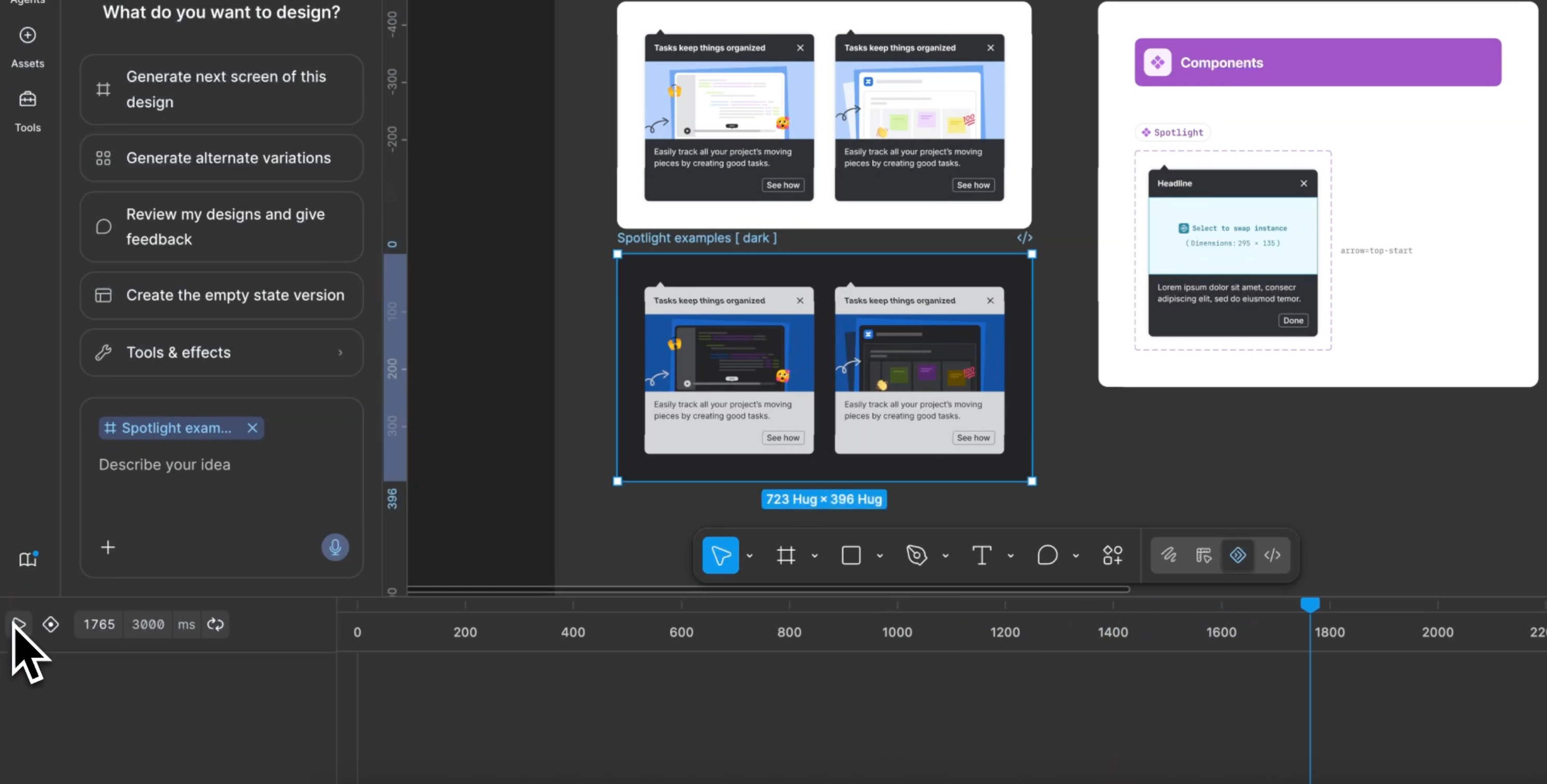
Before discussing why Motion matters, it’s worth understanding what Figma is introducing. According to Figma’s Motion launch page, Motion is built to help teams create polished animations and interactive experiences directly within Figma. Rather than exporting designs into another application for every animation task, creators can develop motion alongside the rest of their design work.
The platform introduces tools for creating timeline-based animations, refining movement with easing controls, building interactive transitions, and adding motion to components and prototypes without leaving the Figma environment. Because Motion lives alongside Figma’s collaborative workflow, designers can iterate on animations with teammates in the same workspace instead of passing files between separate applications.
While advanced motion graphics projects will still benefit from dedicated software, Motion aims to simplify many of the animation tasks that happen during product and interface design.
What Figma Motion Means for Motion Designers
The launch isn’t just relevant to UI designers. For motion designers who already move between After Effects and Figma, Motion could reduce the need to rebuild simple interface animations in a separate application. UX animators, Rive users, ProtoPie creators, and plugin enthusiasts may also find value in keeping more exploratory animation work inside the design environment before moving to specialized tools.
That doesn’t mean Motion replaces professional motion graphics software. Instead, it appears positioned as a tool for interface animation, product interactions, and collaborative design workflows, while After Effects remains the better choice for complex compositing, visual effects, broadcast graphics, and cinematic animation.
Figma’s Config 2026 product announcements also reinforce this positioning by showcasing Motion as part of a broader effort to keep more creative work inside the Figma ecosystem. Figma motion isn’t trying to become a full replacement for professional animation software. Instead, it’s designed to remove unnecessary handoffs during interface design by allowing teams to animate, prototype, and iterate inside the same workspace where products are designed.
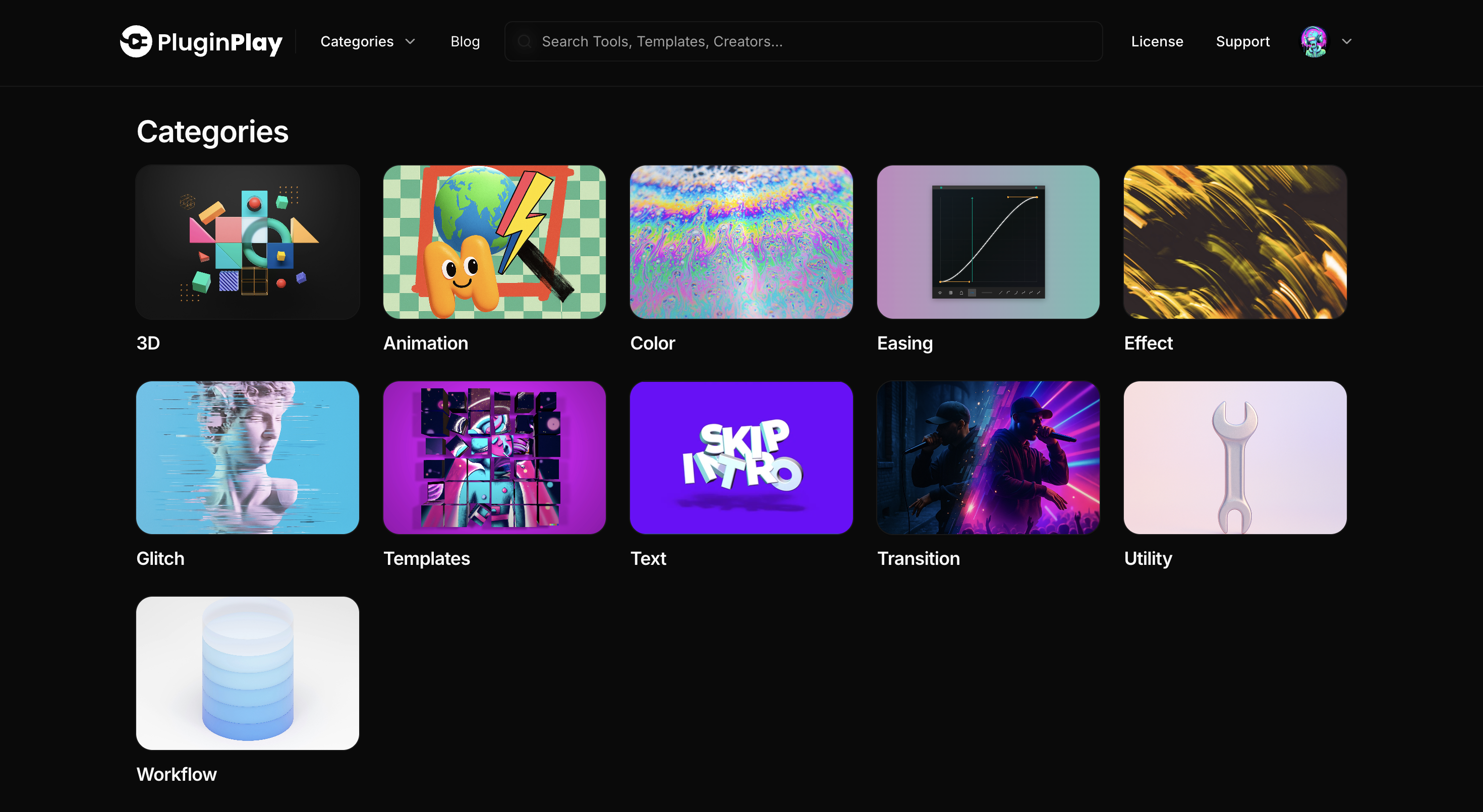
Discover More Creative Tools With Plugin Play
As creative workflows continue to evolve, having the right plugins and creative tools can make all the difference. Plugin Play browser makes it easier to discover, install, and manage plugins, scripts, and templates all inside After Effects, helping motion designers, animators, and creative professionals spend less time searching and more time creating.