Adobe Previews AI Agent Integrations for Photoshop, Premiere and After Effects
Adobe says third-party agents will be able to work with native project files while keeping elements such as layers, vectors, bins and sequences editable.
AI can already generate images, write scripts and produce video clips. But what if it could open your creative project, make changes and carry out tasks directly inside the software you use every day?
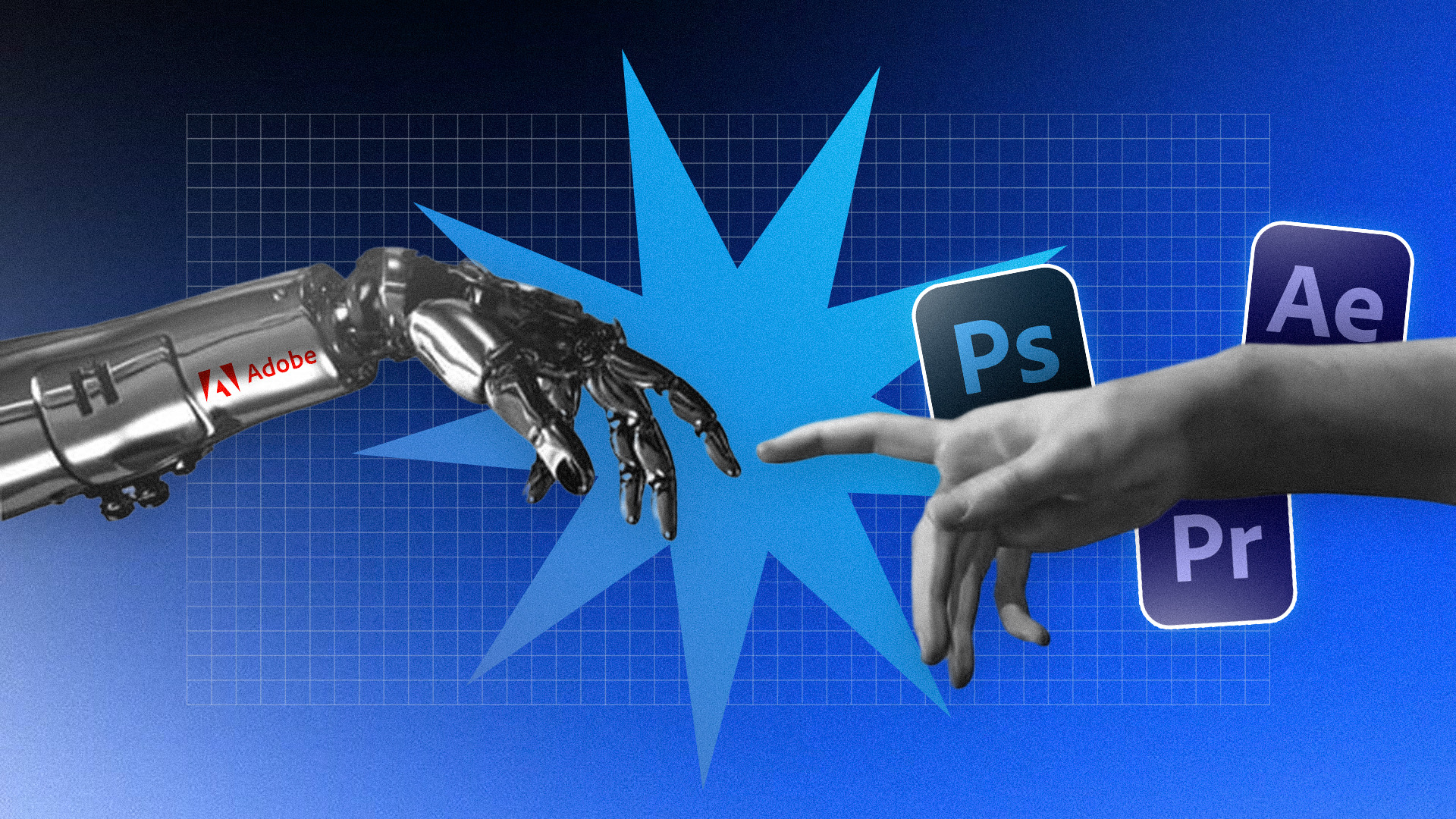
That’s what Adobe is exploring with its local MCP integrations. Announced at Adobe MAX 2026, they’re designed to let third-party AI agents work with projects in Photoshop, Illustrator, Premiere and After Effects. If it works as intended, AI could move beyond generating content or suggesting edits. Agents could help with tasks inside the projects designers and editors already work on.
How Adobe’s Local MCP Integrations Could Work
MCP, or Model Context Protocol, lets AI applications connect to external tools and carry out actions through them. In its preview of the local MCP integrations, Adobe says third-party agents will be able to work with native project files while keeping elements such as layers, vectors, bins and sequences editable.
Adobe’s example is removing a logo from one campaign asset and asking an agent to apply the change across the rest. If the agent is also connected to tools such as Google Drive or Slack, it could retrieve a brief and share the finished work with a team.
Editors and motion designers could eventually use agents for similar repetitive tasks across clips or compositions. Adobe hasn’t yet detailed the specific actions each application will support, so these are possible uses rather than confirmed features. Users would still need to guide the work, review the changes and decide what to keep.
When Will Adobe’s MCP Integrations Be Available?
Adobe says the integrations are coming to Creative Cloud customers in early 2027. However, as No Film School reports, further details are still to come, including an exact release date and the actions each application will support.
The MCP integrations are separate from Adobe’s own AI Assistant and Creative Agent features announced at MAX. The MCP preview connects third-party agents to Adobe’s desktop apps; Adobe’s own agent features are a separate part of its AI plans.
If Adobe delivers on the preview, agents could take on some repetitive production tasks without flattening projects or taking creative control away from the user. How useful the integrations become will depend on the actions they support and how reliably agents carry them out.
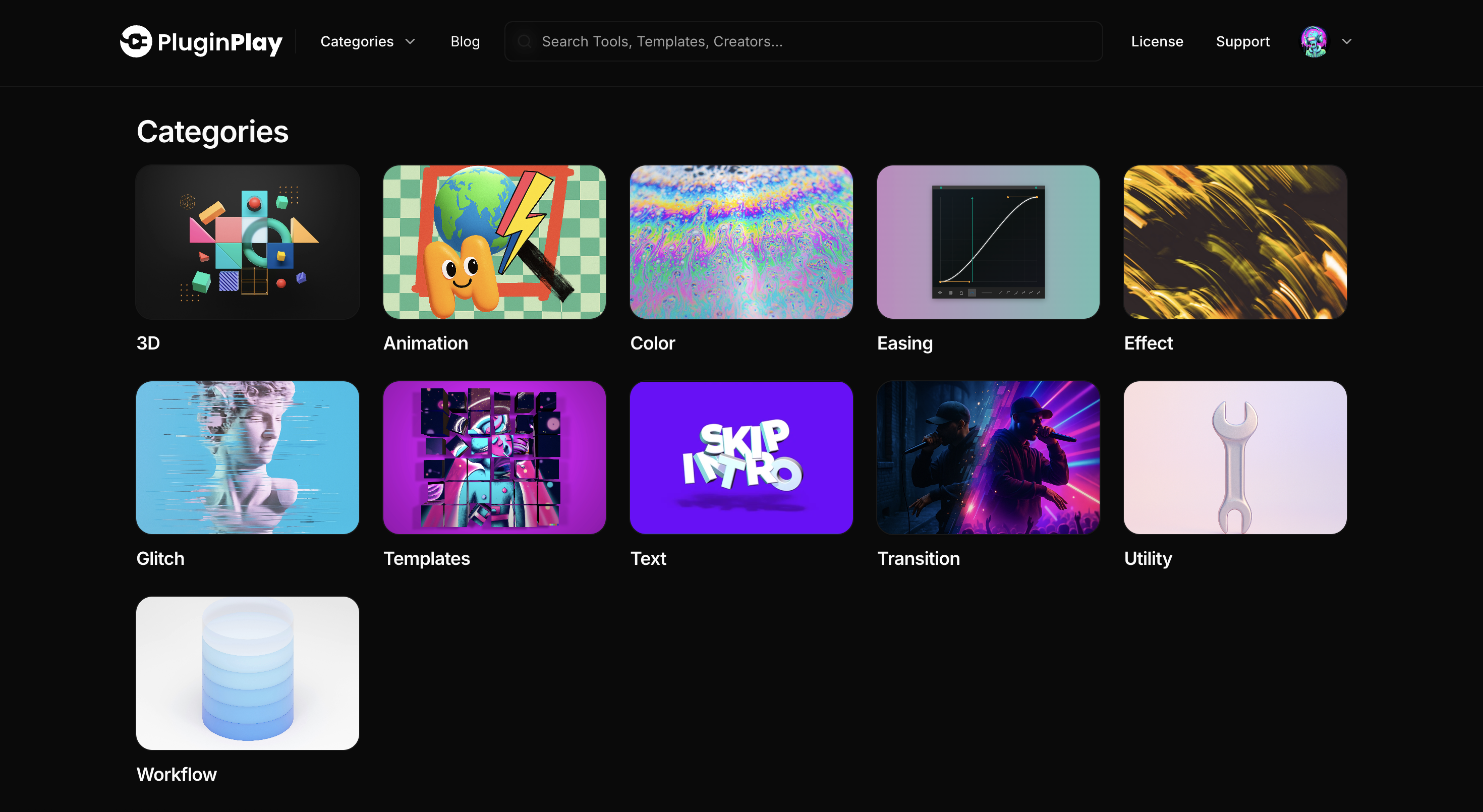
While Adobe’s integrations are still in preview, you can already extend After Effects and Premiere with purpose-built tools. Browse Plugin Play for keyframe and easing tools, effects, transitions, workflow utilities, scripts and templates. Find a tool for a task in your next edit or animation.