Adobe Brings Photoshop, Acrobat, and Express Into ChatGPT
With Photoshop integrated into ChatGPT, you can perform complex edits using simple text commands.
Imagine you’re racing against a tight deadline to finish a project. You need to edit an image, polish a PDF, and create a design for a client all in under an hour. Normally, you’d switch between multiple apps, export files, and waste precious time.
But thanks to Adobe’s new integration of Photoshop, Acrobat, and Express into ChatGPT, all of this is now possible directly from a single AI-powered interface (Reuters).
This update is a glimpse into the future of AI-assisted creative workflows, where speed, accessibility, and professional-quality output come together.
How to Edit Images in Photoshop Using ChatGPT AI
With Photoshop integrated into ChatGPT, you can perform complex edits using simple text commands. For example, type “remove the background, brighten the subject, and apply a soft glow effect,” and the AI generates the result in seconds. This is powered by Adobe Firefly, Adobe’s generative AI technology.
This isn’t just about convenience. By automating repetitive tasks like background removal or color correction, creators can focus on refining composition, storytelling, and visual style, rather than clicking through menus. Freelancers, marketers, and social media managers can rapidly produce polished images directly in ChatGPT, saving both time and effort.
AI-Powered PDF Editing With Acrobat in ChatGPT
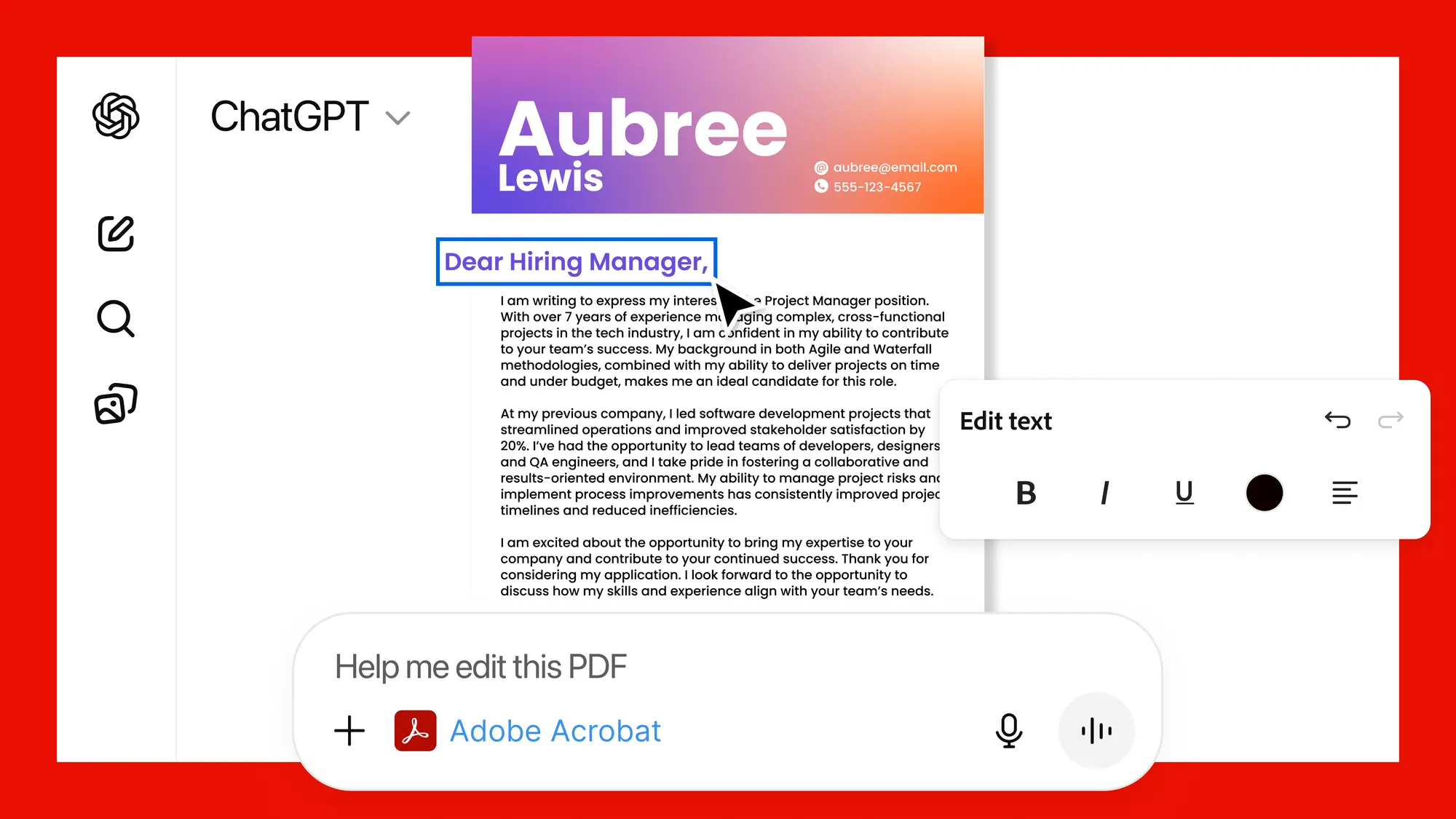
Managing documents can be tedious, especially under tight deadlines. Adobe Acrobat tools inside ChatGPT let you summarize, annotate, and edit PDFs directly in the AI interface. For instance, a marketing manager reviewing a campaign brief can ask ChatGPT to highlight key points, suggest changes, and even rearrange sections without opening Acrobat separately.
This integration ensures that document workflows no longer slow down creative processes, allowing teams to collaborate efficiently and make faster decisions. It’s a powerful tool for anyone who handles PDFs regularly from freelancers to large creative teams.
Design Social Media Graphics With Adobe Express AI in ChatGPT
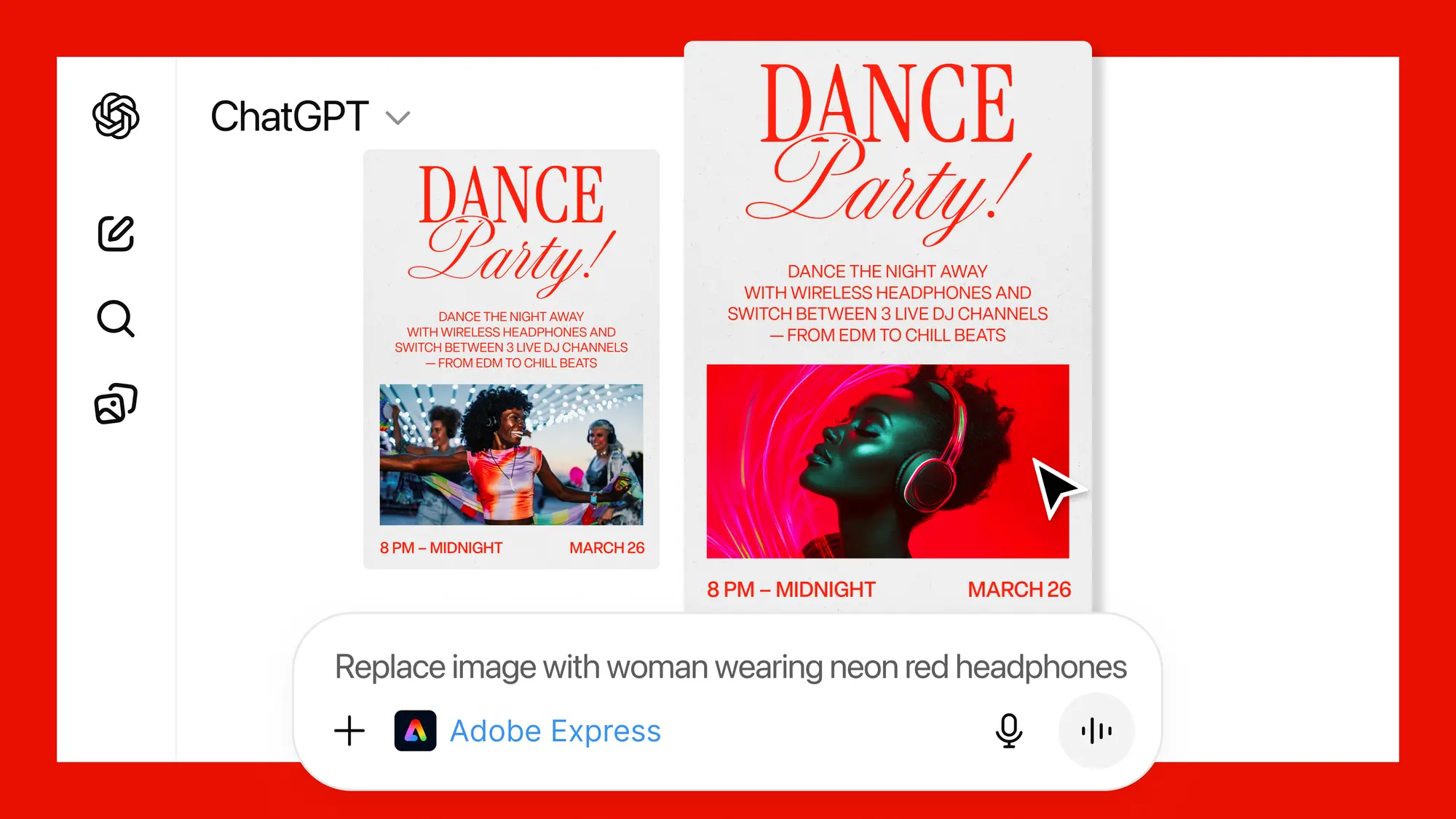
Creating social media posts or marketing visuals usually involves juggling multiple apps and templates. With Adobe Express in ChatGPT, you can now generate graphics by simply describing your vision. For example, type “design a holiday sale Instagram post with a festive color scheme and bold typography,” and the AI instantly produces a professional-ready design.
This feature is perfect for content creators who need to quickly test multiple visual ideas, iterate on designs, and finalize posts without exporting files between apps. Whether you’re a beginner or a seasoned designer, it reduces friction and accelerates the creative process.
Final thoughts on this Adobe and ChatGPT integration
This integration demonstrates that AI is no longer a supplementary tool, it’s central to modern creative workflows. By combining Photoshop, Acrobat, and Express into ChatGPT, Adobe enables creators to prototype ideas, automate repetitive tasks, and focus on creative decisions rather than technical steps.
The timing is significant. With the rise of AI-assisted content tools in 2025, this integration reflects a larger trend toward all-in-one, AI-first creative solutions (AI-Powered Creator Tools Market Report). Creators who adopt these tools early can work faster, experiment more, and maintain a competitive edge.
Try Adobe + ChatGPT Today
Open ChatGPT and explore Photoshop, Acrobat, and Adobe Express integrations. Edit images, manage documents, and design graphics all within a single AI interface, saving time and producing professional-quality content faster than ever.