Adobe Animate is getting shut down by Adobe
Adobe initially communicated that new Animate sales would stop around March 1, 2026, with individual support ending by March 1, 2027, and enterprise support until March 1, 2029.
Adobe Animate users just got a wake-up call: new features are frozen, AI is taking over, and your legacy projects might need a new playbook. For decades, Animate has powered 2D animation, interactive content, and educational multimedia. Now, with Adobe shifting focus to AI-driven animation tools, creators must rethink how they approach workflows, plugins, and project management.
Adobe Animate Enters Maintenance Mode
Despite the early confusion, Adobe Animate isn’t going anywhere but it’s hitting pause on new features. Now in maintenance mode, the software will continue to run smoothly, receive security updates, and keep your legacy projects safe. The twist? All the innovation is moving to Adobe’s AI-powered animation tools, where new features and smarter workflows are now taking center stage.
Adobe initially communicated that new Animate sales would stop around March 1, 2026, with individual support ending by March 1, 2027, and enterprise support until March 1, 2029. After feedback from the animation community, Adobe clarified that Animate will continue indefinitely under maintenance mode no features, but full usability and security updates remain.
For creators, this isn’t just a routine update, it’s a wake-up call. The animation landscape is changing fast, and staying competitive means understanding how AI is reshaping workflows and where your projects fit in this new era.
Why AI is Now Driving 2D Animation
Animation pipelines are shifting rapidly. Tasks that once required hours of manual labor from tweening and motion cleanup to procedural effects are increasingly handled by AI. This means faster renders, cleaner results, and more room for experimentation.
Whether you’re an indie animator, a VFX artist, or a studio pipeline manager, learning to integrate AI into your workflow is no longer optional. Those who cling solely to legacy tools risk slower production and missed opportunities as real-time, AI-assisted animation pipelines become standard.
Future-Proof Your Workflow Today
Transitioning doesn’t have to be overwhelming. Start by exporting Animate projects in universal formats to ensure compatibility across tools. Experiment with AI-assisted alternatives like Adobe After Effects, Toon Boom Harmony, or Blender to streamline repetitive tasks and explore procedural animation techniques.
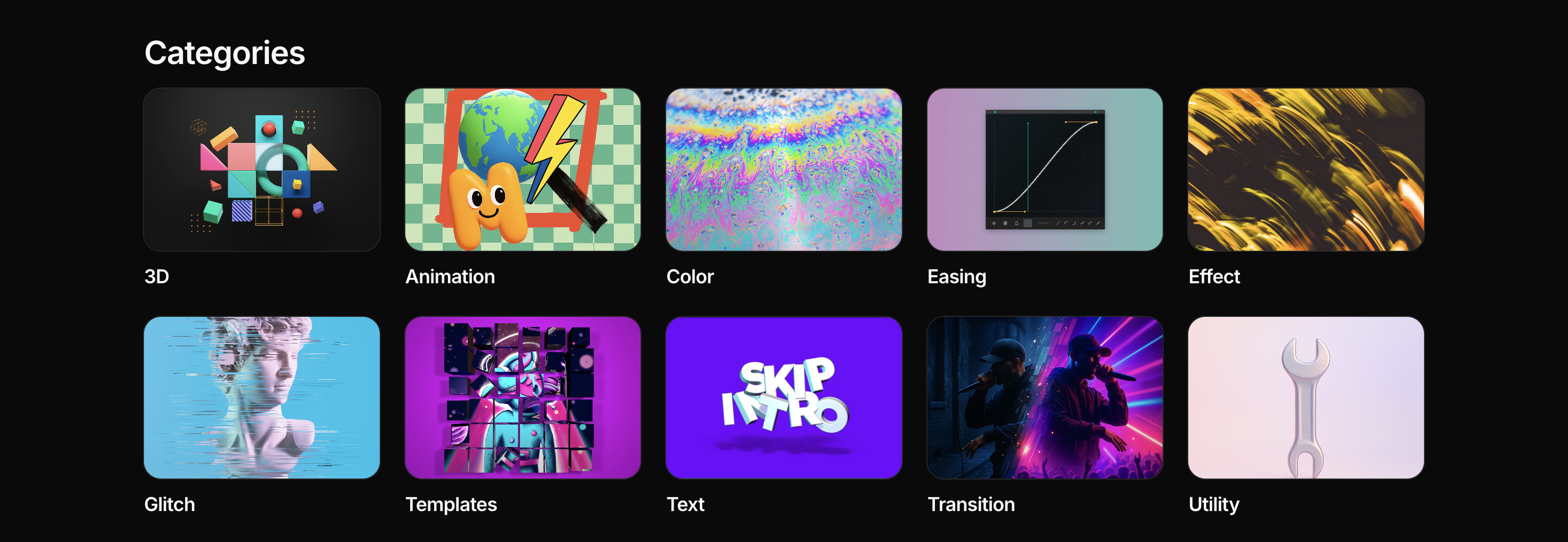
Future-proof your animation workflow with Plugin Play. Whether you’re experimenting with AI-assisted tools or bridging legacy Animate projects with modern software like After Effects, Plugin Play gives you access to plugins, templates, and assets that streamline your edits, speed up repetitive tasks, and keep all your creative tools in one place. Focus on your storytelling, iterate faster, and bring your ideas to life. See plans and pricing to find the right fit for your workflow.
Animate’s Legacy Meets the AI Era
Adobe Animate has a 25-year history of empowering creators. Its timeline, vector animation tools, and interactive content capabilities remain highly relevant, but with new feature development paused, AI is now steering the future of 2D animation.
For creators, this shift is both a challenge and an opportunity. By adopting AI-assisted workflows, you can accelerate rendering, reduce repetitive manual tasks, experiment with complex effects faster, and stay competitive in an AI-driven industry all while still leveraging Animate’s core capabilities.
Ongoing Animate projects deserve careful attention. Back up files in universal formats, explore AI-assisted tools that fit your workflow, and upskill in procedural and generative animation techniques. Acting now ensures smoother future migrations, collaborations, and a more efficient creative process.
Key Takeaways for Creators
The animation industry is rapidly moving toward AI-first pipelines, and staying ahead requires proactive adaptation. Whether you work on indie projects, studio productions, or educational content, understanding AI workflows and preparing your legacy projects is the difference between keeping up and falling behind.
Adobe Animate’s maintenance mode marks the end of new features, but also signals the start of an AI-driven creative era. By backing up projects, exploring AI-assisted tools, and upskilling in procedural and generative animation techniques, animators can stay in control while experimenting with faster, more innovative workflows.