Adobe After Effects 2026 System Requirements and Pricing
Before upgrading your subscription or blaming the software, it helps to get two things clear: What After Effects actually needs to run smoothly, and how much it really costs today.
Creative flow disappears the moment an After Effects preview starts lagging. Dropped frames. Loud fans. Renders that feel like they’ll never finish. In 2026, those aren’t just minor annoyances, they’re usually a sign that your system isn’t keeping up with what Adobe After Effects now expects.
Before upgrading your subscription or blaming the software, it helps to get two things clear: What After Effects actually needs to run smoothly, and how much it really costs today.
What Your System Needs to Run After Effects Comfortably
After Effects isn’t designed for lightweight edits. It’s built for layered animation, motion graphics, compositing, and visual effects, which is why system requirements matter more than many creators realize.
A modern multi-core processor is essential, especially once you start stacking effects or working on longer timelines. Memory plays an equally big role. While After Effects may technically open with less, 16GB of RAM is now the realistic baseline, and creators working in 4K or with complex animations will feel a noticeable difference at 32GB or more.
Storage also has a major impact on day-to-day performance. Running After Effects on an SSD improves launch times, caching, and preview responsiveness particularly when dealing with large compositions and media-heavy projects.
GPU acceleration has become increasingly important too. After Effects now uses the GPU for features like Lumetri Color, 3D layers, and ray-traced effects, which helps previews feel smoother and reduces strain on the CPU during playback.
For the most accurate and up-to-date technical details, Adobe maintains an official breakdown of the Adobe After Effects 2026 system requirements and the latest 2026 motion design updates explain exactly how these improvements affect real-world performance.
Why These Specs Matter in Real Projects
Specs aren’t just numbers on a page, they directly affect how fast ideas move from your head to the screen.
Picture animating a 4K intro for TikTok or YouTube Shorts, complete with animated text, motion blur, glow effects, and color grading. On a system that meets Adobe’s recommendations, previews feel responsive and edits stay fluid. On an underpowered machine, the same project can stutter, force half-resolution previews, and constantly interrupt your creative flow.
Even better, the January 2026 After Effects 26.0 release added improved caching and playback optimization, meaning large compositions now run smoother and render faster on properly configured systems, as highlighted in real-world performance tests by CG Channel.
Get Unlimited Access to After Effects and Premiere Pro plugins with Plugin Play
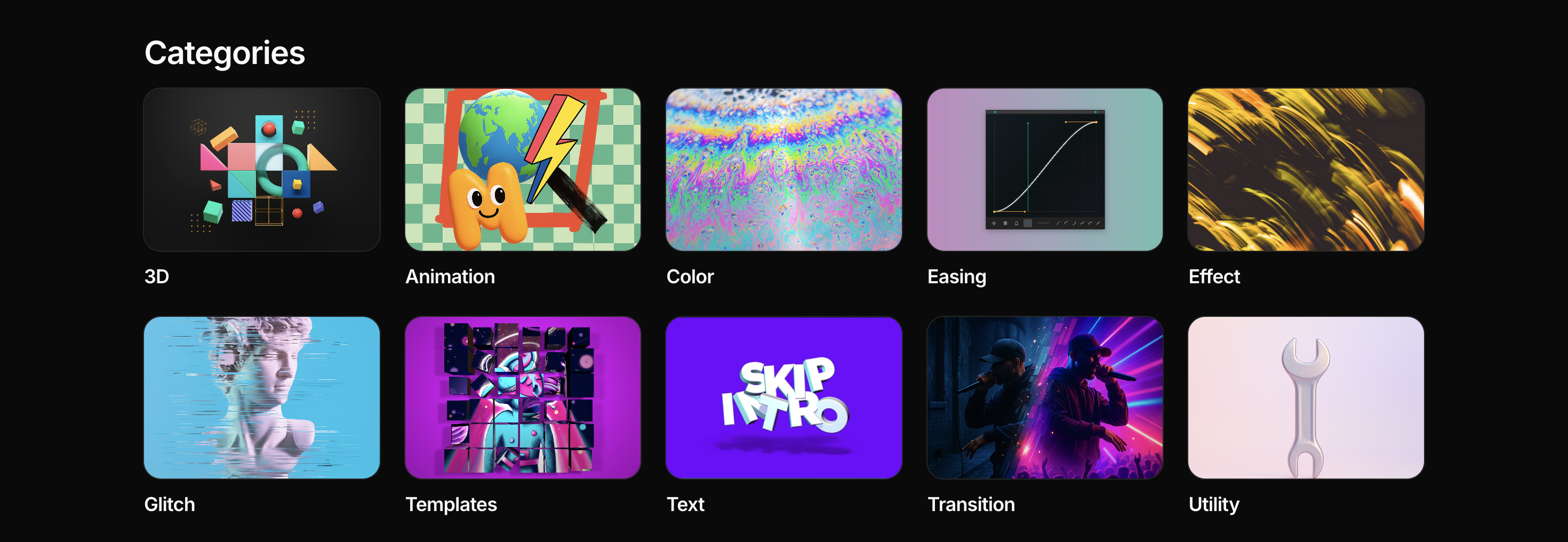
Plugin Play gives you access to plugins, templates, and assets that streamline your edits, speed up repetitive tasks, and keep all your creative tools in one place. Focus on your storytelling, iterate faster, and bring your ideas to life. Explore our plugins and start your 7-day free trial now.
How Much Adobe After Effects Costs in 2026
Adobe After Effects is available exclusively through Creative Cloud subscriptions, and pricing depends on how you plan to use it.
If you only need After Effects, the single-app plan typically costs around $22–25 per month in 2026, depending on your region.
Creators who work across multiple tools often choose the Creative Cloud All Apps plan, which includes After Effects plus 20+ Adobe apps; including Premiere Pro, Photoshop, Illustrator, Audition, and Lightroom. This plan generally falls in the $55–60 per month range for individuals.
Students and educators can access significantly discounted pricing, making the All Apps plan far more affordable for those eligible.
For the most accurate and region-specific pricing, you can check Adobe’s official plans here:
Prices are approximate as of 2026 and may vary by region or future plan updates.
Is After Effects Still Worth Using?
For motion designers, video editors, and visual storytellers, After Effects remains one of the most powerful tools available.
Its biggest advantage is how seamlessly it connects with the rest of Adobe’s ecosystem especially through Adobe’s Dynamic Link workflow, which lets you send compositions between After Effects and Premiere Pro in real time without rendering each step first. This makes editing, motion graphics, and compositing much faster and more intuitive for real projects.
The key is alignment. When your system and subscription match your workload, After Effects feels fast and intuitive. When they don’t, even simple projects can become frustrating.
Final Thoughts
Adobe After Effects 2026 rewards creators who understand both the technical and financial side of the tool. With the right setup and a clear understanding of pricing, you spend less time troubleshooting and more time creating work you’re proud of. Don't forget to explore our plugins today at Plugin Play and start your 7-day free trial now.